Tap a word, get the meaning for this sentence
Translation is fast and takes the sentence into account, so you get the meaning the author intended and go straight back to the story.
E-reader for books in a foreign language
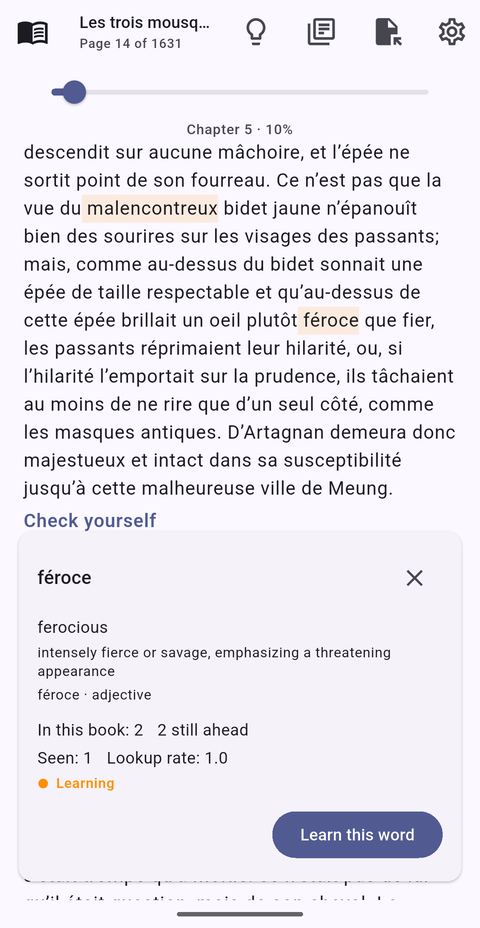
SagaWise Reader opens your EPUB, FB2 and TXT books and translates any word in the context of its sentence: just press and hold it. You keep reading, and the words you meet again and again start to stick.
Android app. Best from around B2 level.
Le premier lundi du mois d'avril 1625, le bourg de Meung, où naquit l'auteur du Roman de la Rose, semblait être dans une révolution aussi entière que si les huguenots en fussent venus faire une seconde Rochelle.
Mr. Sherlock Holmes, who was usually very late in the mornings, save upon those not infrequent occasions when he was up all night, was seated at the breakfast table.
The problem
Open a translator, wait, come back, try to remember what was happening. After a few pages the plot is gone.
One word means different things in different sentences. A dictionary entry without context often gives the wrong one.
A word comes back three pages later. You know you checked it, but the meaning is gone, and a plain dictionary just shows it again.
A word that appears once is forgotten fast. A word that appears ten more times deserves attention, but nothing tells you which is which.
Foreign text is tiring. The end of a chapter is the natural pause, yet most readers only show progress for the whole book.

Why it works for series
You already care how the story ends. That is the strongest reason to read in a foreign language.
You've read the first books in your own language. The next one is out in the original, and its translation may take months or years. The EPUB is on sale today.
You want to know what happens to the characters next. That curiosity keeps you turning pages when the language is still hard, long after a textbook would have been put away.
You know the world, the characters and who is who. You don't have to figure out a new story and a foreign language at the same time.
Every author keeps a stable vocabulary. The first chapters are hard, then the same words return, and by the middle of the book reading gets noticeably easier.
Illustration: how the share of unfamiliar words typically falls as you read.
SagaWise Reader is built around these repetitions. The book itself becomes your vocabulary trainer, and in a series each next book starts easier, because the author's words are already familiar.
Getting started
There is no manual to read first. A built-in guide book opens right away, and you try every feature on its text.
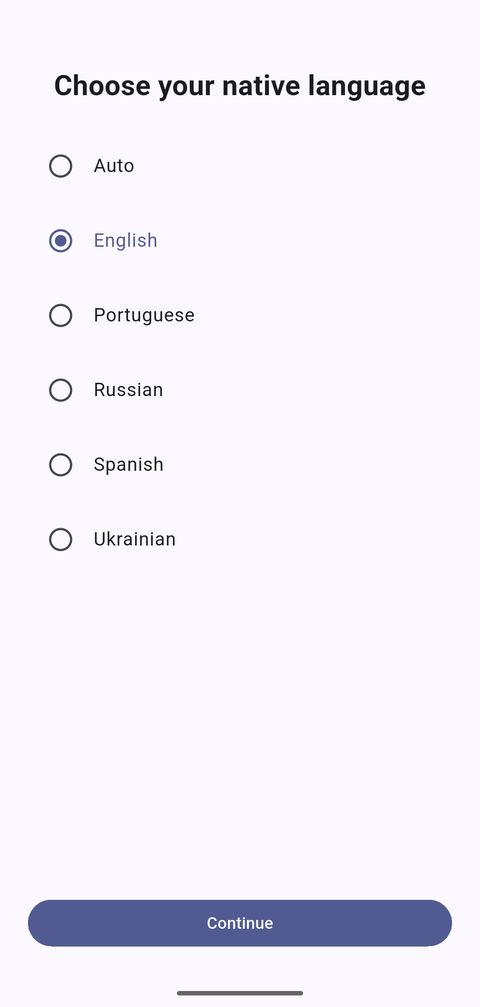
Translations of words and paragraphs come in this language.
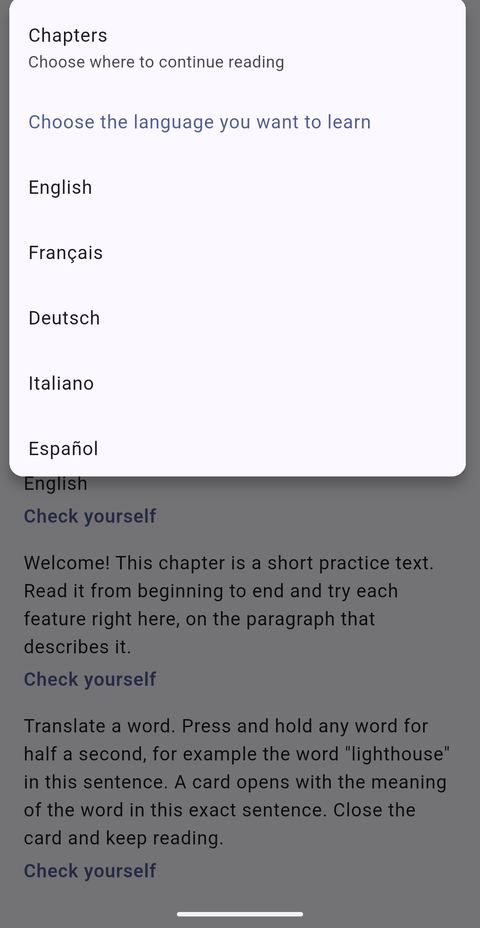
The guide “Getting started with SagaWise Reader” opens with its chapter list. Each chapter is the same short guide in one of 14 languages: English, French, German, Italian, Spanish, Portuguese, Dutch, Polish, Czech, Romanian, Swedish, Greek, Ukrainian or Russian.
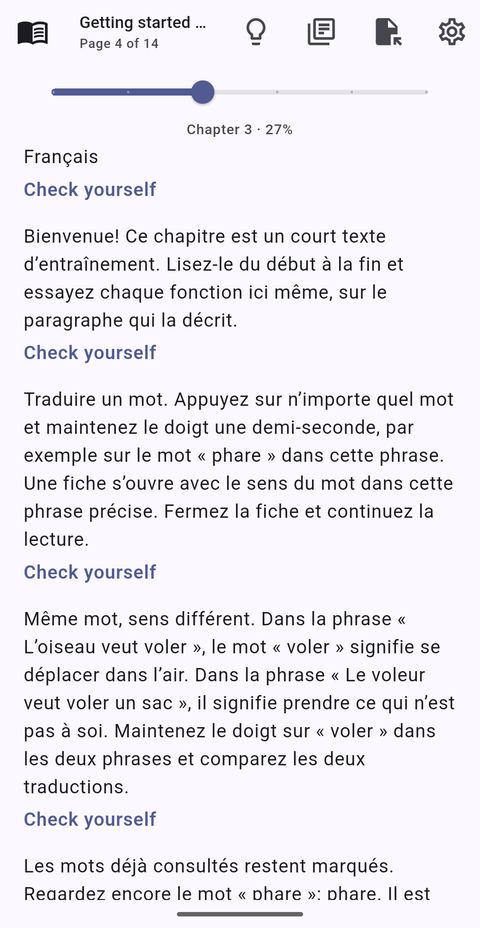
Each paragraph explains one feature, and you try it on that same text: a word translation, meaning in context, highlights, word counts, Check yourself, chapters and progress.
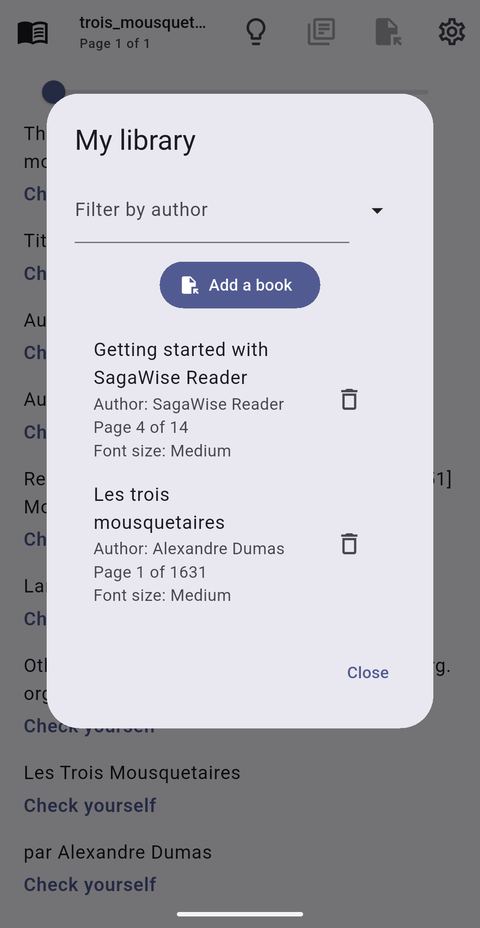
When you are ready, tap Add a book in My library and open a book file from your phone.
The solution
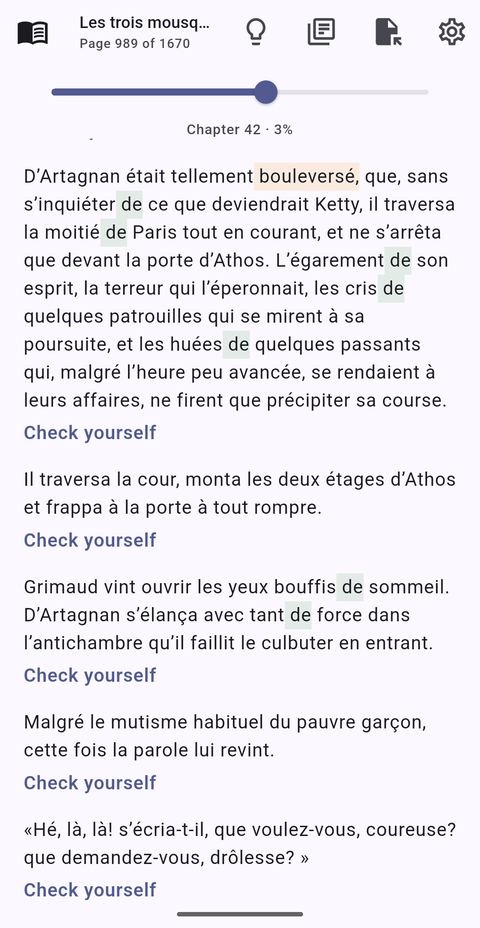
Screenshots: Alexandre Dumas, Les Trois Mousquetaires in French, translated into English.
Translation is fast and takes the sentence into account, so you get the meaning the author intended and go straight back to the story.
When a word comes back, it is already highlighted. Try to recall it first. If it doesn't come, the saved translation opens instantly, or ask for a new one if the word is used in a different sense here.
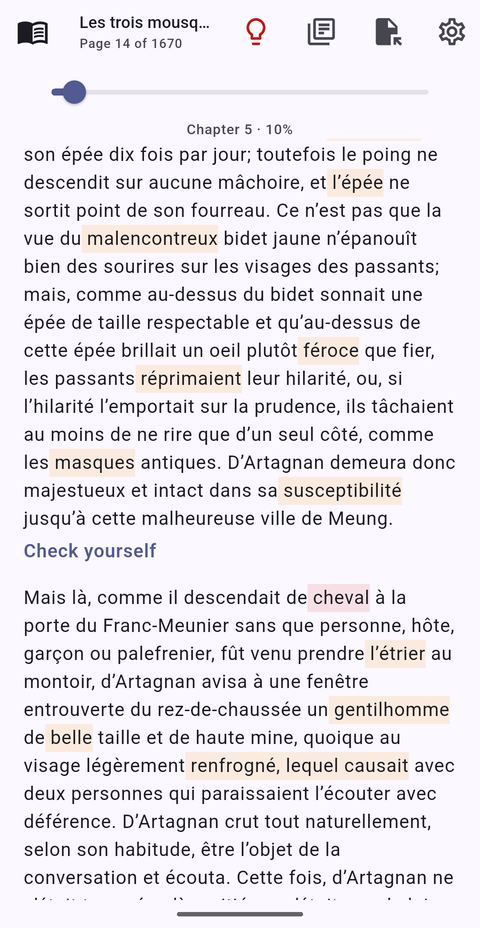
If a word won't come up again, read on. If it appears many more times, tap Learn this word and let the book repeat it for you.
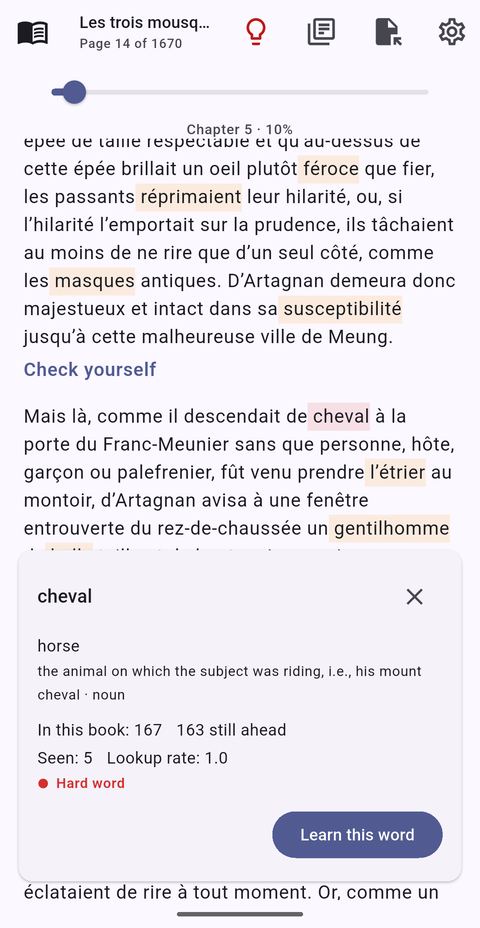
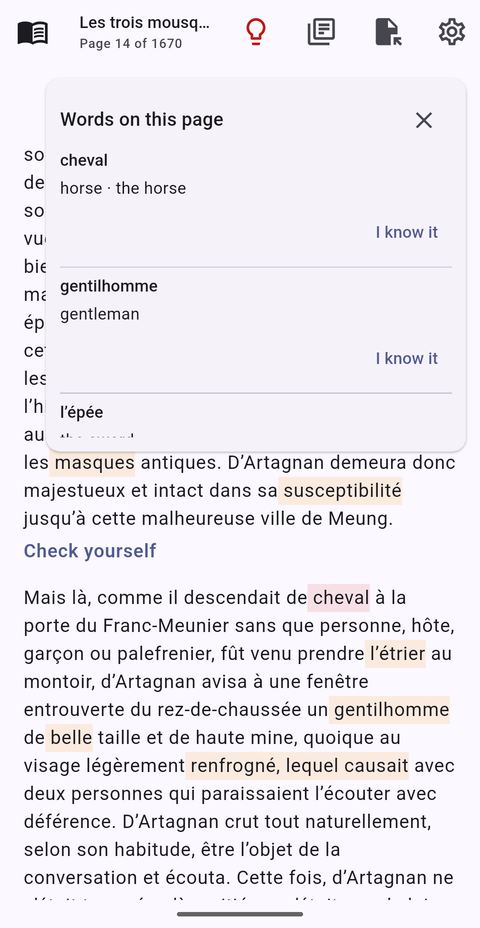
Personal statistics remember every lookup. A word you check again and again turns red, a clear sign to work on it separately. The page dictionary lists the marked words on the current page with their saved translations.
Read a paragraph on your own, then tap Check yourself to see its translation and compare it with what you understood. On the free plan each check opens after a short rewarded ad; with a subscription there are no ads.
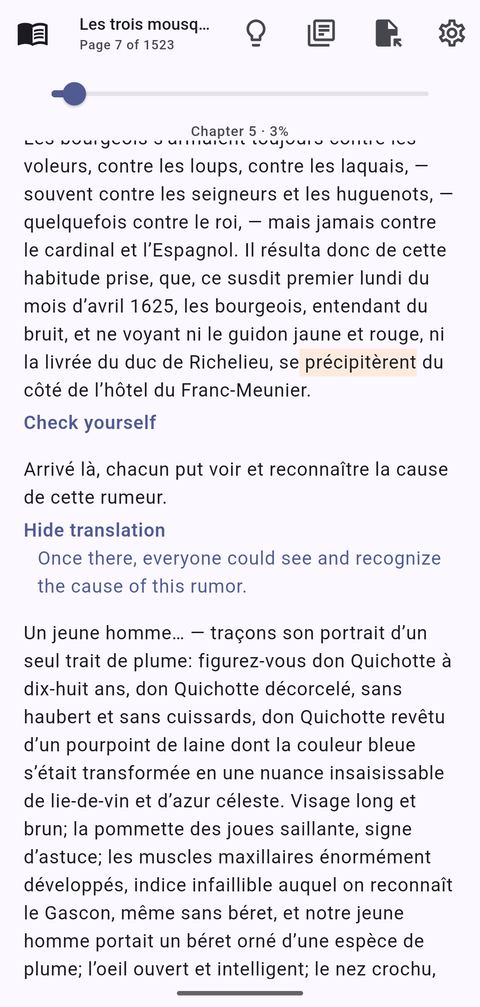
Chapter navigation and a progress percentage inside each chapter. Three paragraphs left, finish it. Only 10% in and tired, put the book down without guilt.
Plans
Word translation for the sentence, highlighted words and word counts. Ads are shown, and each Check yourself opens after a short rewarded ad.
Everything without ads, with translation by SagaWise Reader. Paid monthly.
A modest one-time payment. Connect your own AI translation service, a subscription or API key you already have, and use it for life with no ads and no monthly fee.
How to read without a subscriptionWho it's for
Continue a saga in the original as soon as the next book is released, without waiting for the translation.
Meet a book in the author's own words. Original editions in EPUB, FB2 or TXT are easy to buy and load into the app.
Grow the vocabulary that real books use. Reading a lot also makes spoken language easier to follow.
Comparisons
Each comparison has its own page. The facts about other apps come from their store listings and websites.
SagaWise Reader grew out of years of reading books in a foreign language. Every feature removes an obstacle met along the way.